
Deep Shaft plays with one to eight people. One player hosts and the others join the host's world. Everybody digs, builds and drives in the same mine at the same time.
Hosting
Open Multiplayer from the main menu (or from the pause menu while you play).
Over Steam
With Steam running you pick a Session type and press HOST ON STEAM:
| Session type | Who can join |
|---|---|
| Friends | Your Steam friends. |
| Public | Anyone who can see the lobby. |
| Invite only | Only people you invite. |
The default is Friends. Hosting makes a Steam lobby for the world you are in. Your Steam name is the name other players see.
By IP (LAN)
Under Advanced: connect by IP (LAN) you can press HOST SERVER (IP), or type a friend's address and press JOIN. The host's port 27777 (TCP) must be open. This is for local networks and for playing without Steam. You can also use it when Steam is not running; the game tells you so and lets you connect by IP anyway.
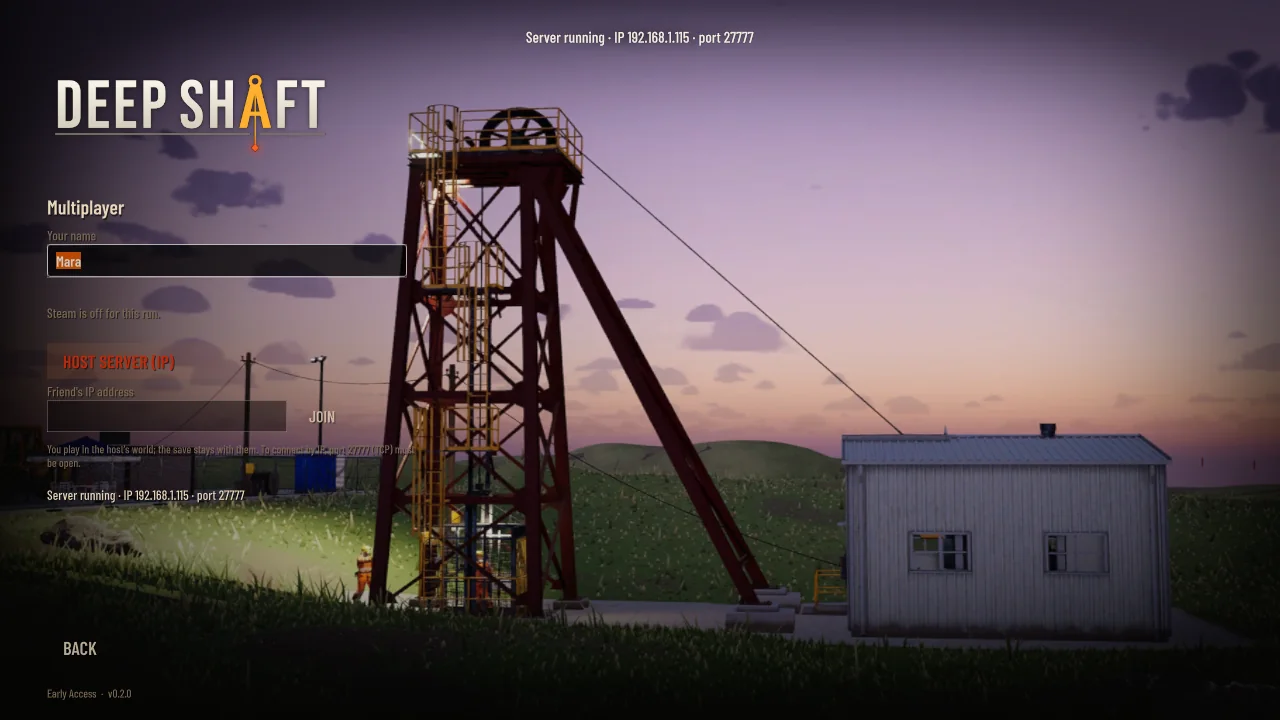
Joining
- Join a friend: press JOIN A FRIEND. Friends who are in Deep Shaft right now with an open session are listed first. Press Join next to the one you want.
- Accept an invite: when a friend invites you, a banner "{name} invited you" appears on the Multiplayer page. One click on Join puts you in. You can also accept the invite from Steam's overlay or friends list.
- By IP: type the host's address and press JOIN.
You need the same game version as the host. If the versions differ, the join is refused with a version mismatch message and the host sees that you could not join.
Inviting
Once a session is running, the Multiplayer page shows INVITE FRIENDS. It lists your online friends; press Invite next to a name. The pause menu has an Invite button too: if you are not hosting yet, it starts a Steam session first and opens the Steam invite overlay. If the overlay is off, turn it on in Steam's settings or invite from Steam's friends list.
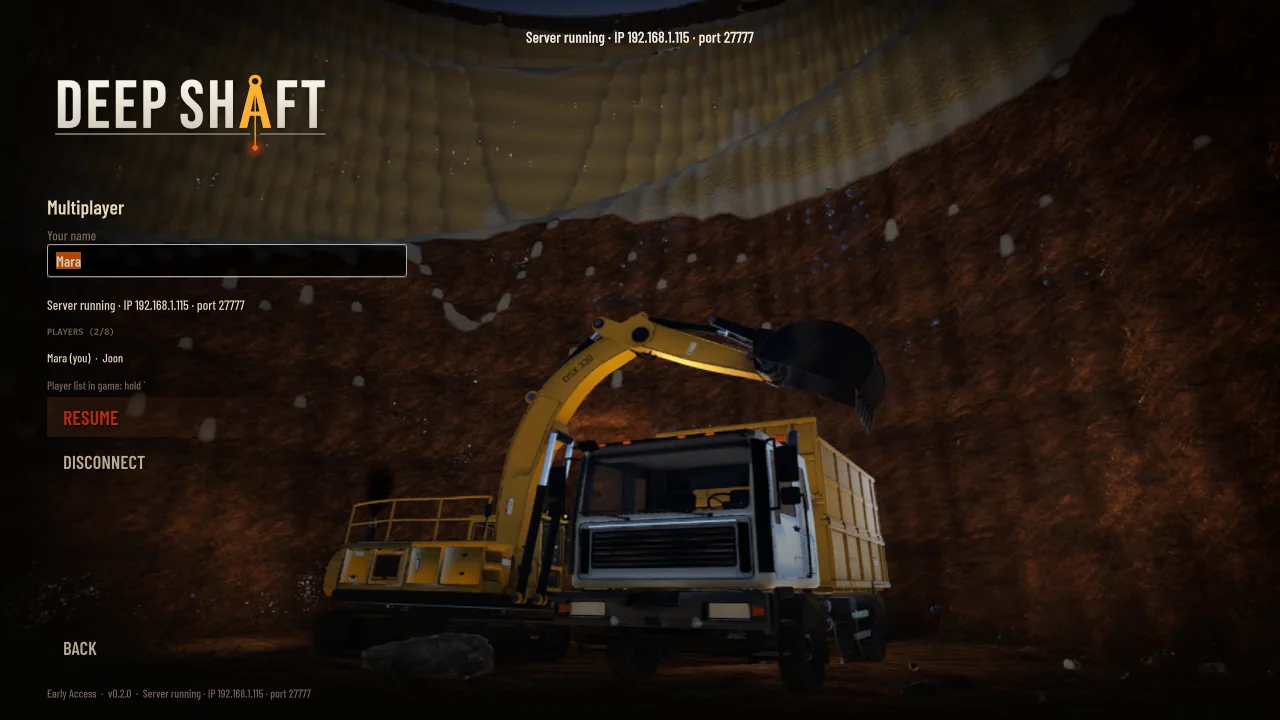
One world, shared and personal
You play in the host's world, and the host's computer keeps the save. Guests do not get a copy.
Shared by the whole crew:
- The company: money, purchases, company level and contracts.
- The world: every dug hole, placed beam, belt, rail and machine is the same for everyone.
- Machines: anyone can drive a free machine; other players see it move.
Yours alone:
- Your inventory and hotbar. The host remembers it by your Steam ID (or name over IP), so you get the same bag back when you rejoin.
- Your notebook of finds and its rewards (bone tools and the exhibit come from your own notebook).
- Your own settings, keys and tool choice.
The player list
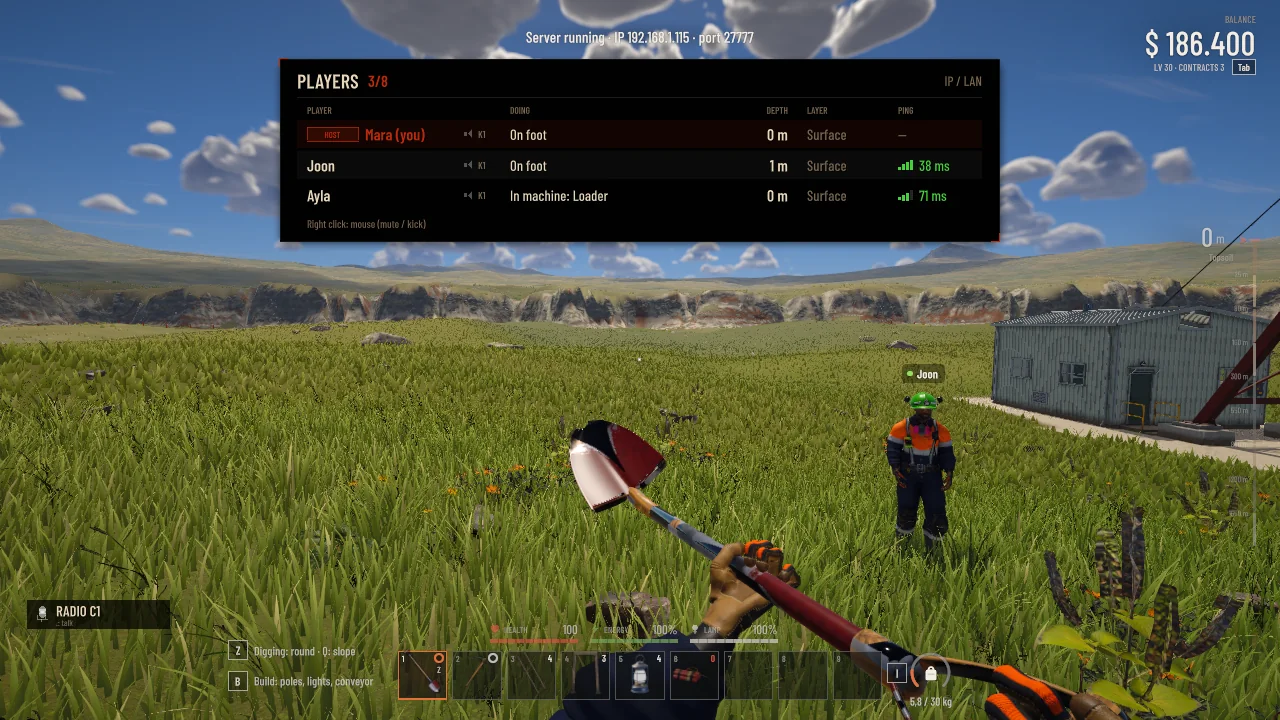
Hold the key left of 1 (the backtick key on a US keyboard) to open the list while you play. The Multiplayer page tells you which key that is on your keyboard.
Each row shows:
- Your name and a host tag.
- What the player is doing: on foot, which machine, cage, kibble, card table, building, or passed out. "Menu" or "Away" is shown for players who are not at the keyboard.
- Depth and layer.
- Ping, with signal bars. You do not see a ping for the host's own row or when you play alone.
- The radio channel and a speaker mark while someone talks (see Voice and radio).
Press the right mouse button while the list is held to free the mouse and keep the list open. Then:
- Mute or Unmute silences a player's radio for you.
- The host also gets Kick on every guest row. It asks "Kick this player?" first. A kicked player returns to the menu with a notice and cannot rejoin until the host stops the session.
Press Esc or the list key again to close it.
Name plates
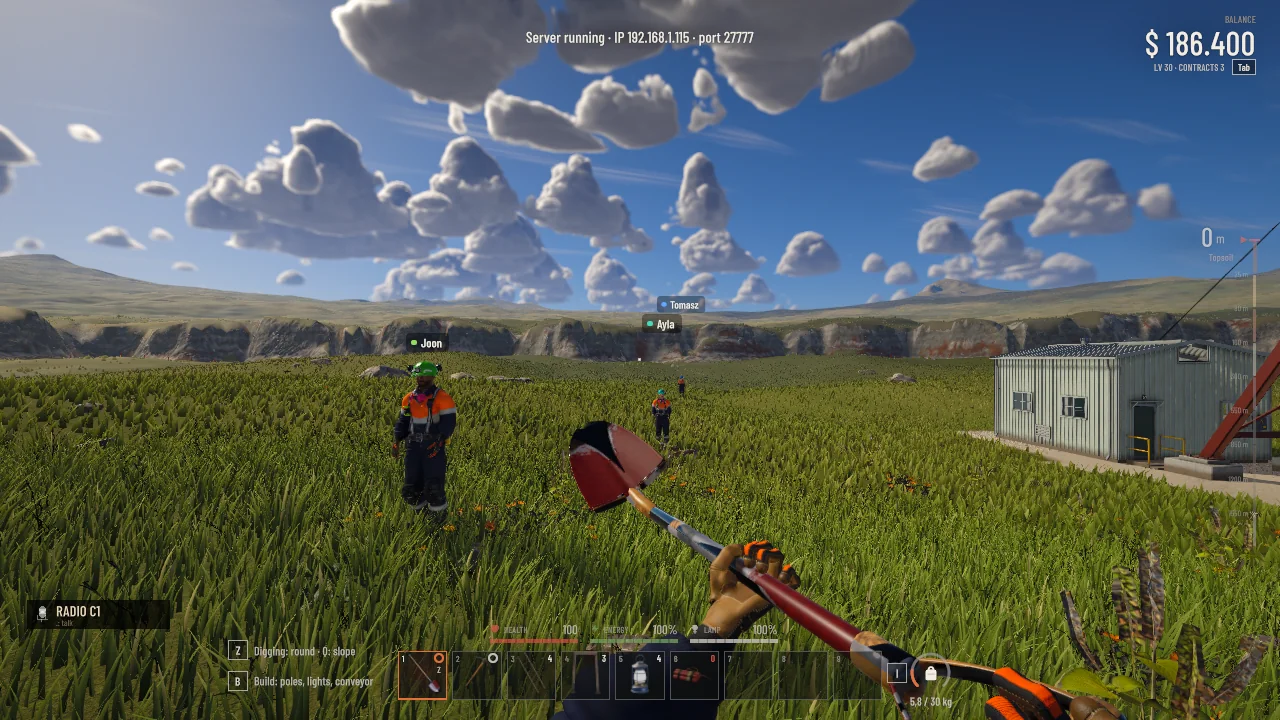
Other players' names float over their heads. Each player has their own colour. Plates get smaller with distance, fade behind rock, and the one you aim at shows a second line with what that player is doing and their depth. They never cover the crosshair or the compass.
Change them in Settings > Sound & controls > Player names:
| Setting | Effect |
|---|---|
| Always | Plates show for everyone in range (default). |
| Only when looked at | A plate shows only while you aim at that player. |
| Off | No plates. |
Plates also hide while a menu or a film mode is open.
Controls
| Action | Default key |
|---|---|
| Player list (hold) | ` (left of 1) |
| Chat | T |
| Radio talk (hold) | . |
| Radio channel | , |
Tips
- Keep a partner within sight. Underground, call out your position over the radio.
- Only the host's computer keeps the world save, so the session ends when the host leaves.
- If your friend cannot find your lobby, check the session type: Invite only does not show up in a friends list.
- Over Steam you do not need to open any ports. By IP, you do.