The keys below are the defaults. Almost all of them can be changed, see Rebinding. Press F1 in a machine for more key rows.
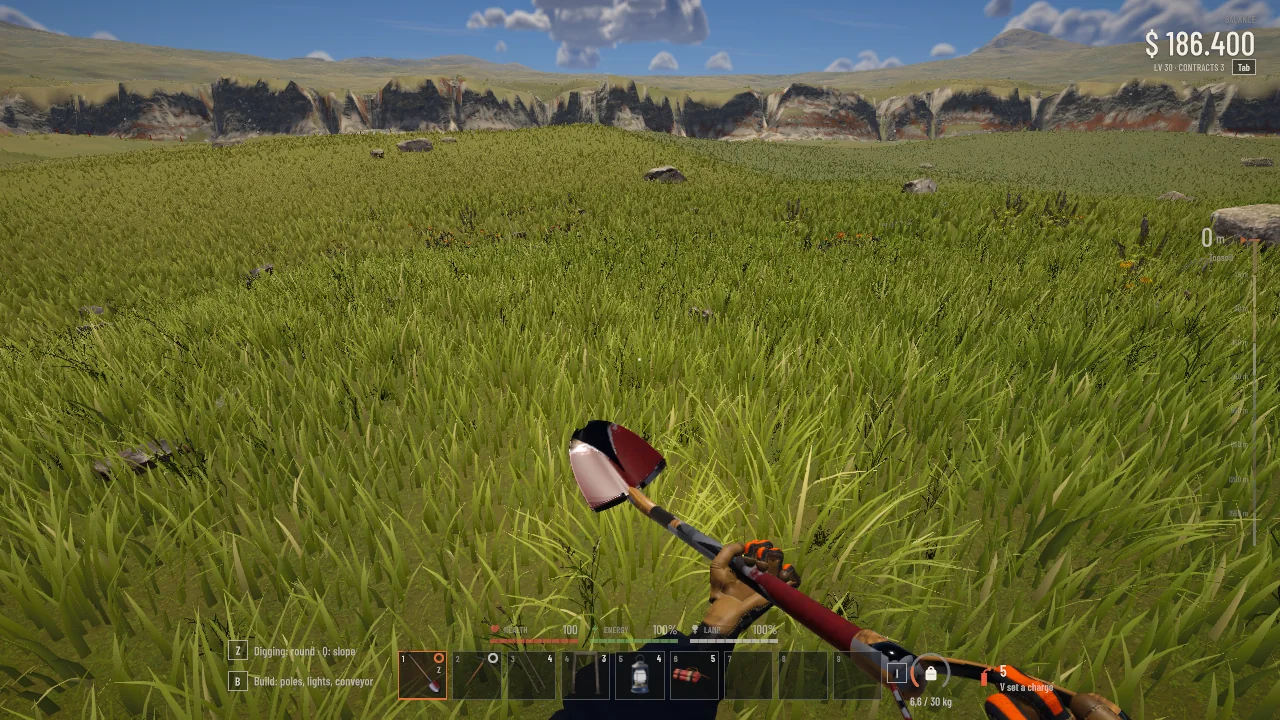
On foot
| Action | Key | Gamepad |
|---|---|---|
| Move | W A S D | Left stick |
| Look | Mouse | Right stick |
| Jump (rise in water) | Space | A |
| Sprint | Left Shift | Left stick click |
| Crouch (dive in water) | Left Ctrl or C | Right stick click |
| Use tool / dig / place | Left mouse button | Right trigger |
| Special (depends on the tool: dig slope with shovel and pickaxe, snap with the beam) | Q | Left trigger |
| Interact (open the shop, sell, climb in, pick up from a table) | E | X |
| Pick up ore and items | F (hold to vacuum up nearby pieces) | |
| Second option of a prompt | R, G, F or Y, whichever the prompt names | B |
| Fire dynamite | H | B (hold) |
| Select tool 1 to 9 | 1 ... 9 | |
| Previous / next tool | Mouse wheel | LB / RB (tap) |
| Tool wheel | RB (hold) | |
| Dig shape: square or round | Z | |
| Cap lamp | L | D-pad up |
| Inventory | I | Last slot of the tool wheel |
| Notebook (finds) | N | D-pad right |
| Mine map | M | |
| Build mode | B | Y |
| Contracts | Tab | View (tap) |
| Player list | ` (the key left of 1), hold | View (hold) |
| Wave | J | D-pad left (tap) |
| Emote wheel | D-pad left (hold) | |
| Point | K | |
| Smoke a cigarette (on the surface only) | P | D-pad down |
| Chat | T | |
| Radio: talk (hold) | . | |
| Radio: next channel (Shift = previous) | , | |
| Hide / show the whole HUD | F2 | |
| Screenshot | F12 | |
| Pause menu | Esc | Start |
Notes:
- Q with the shovel or pickaxe is the dig slope: tap it to step through the options, hold it to turn the direction. While holding the beam it switches between snapping to the previous set and free placement.
- The radio and voice chat need Steam.
- Sprint and crouch can each be set to toggle or to hold in Settings, Controls.
- In co-op the horseplay keys are X (context prank, for example shaking a cage a friend rides) and the right mouse button with the shovel (throw a mud ball). The host can turn these off in Settings.
The hotbar
Keys 1 to 9 select the nine places of the bar at the bottom of the screen. By default the bar holds the shovel, pickaxe, ladder, beam, lantern and dynamite. Things you buy for the first time go onto a free place by themselves. See inventory for how to arrange it.
In machines
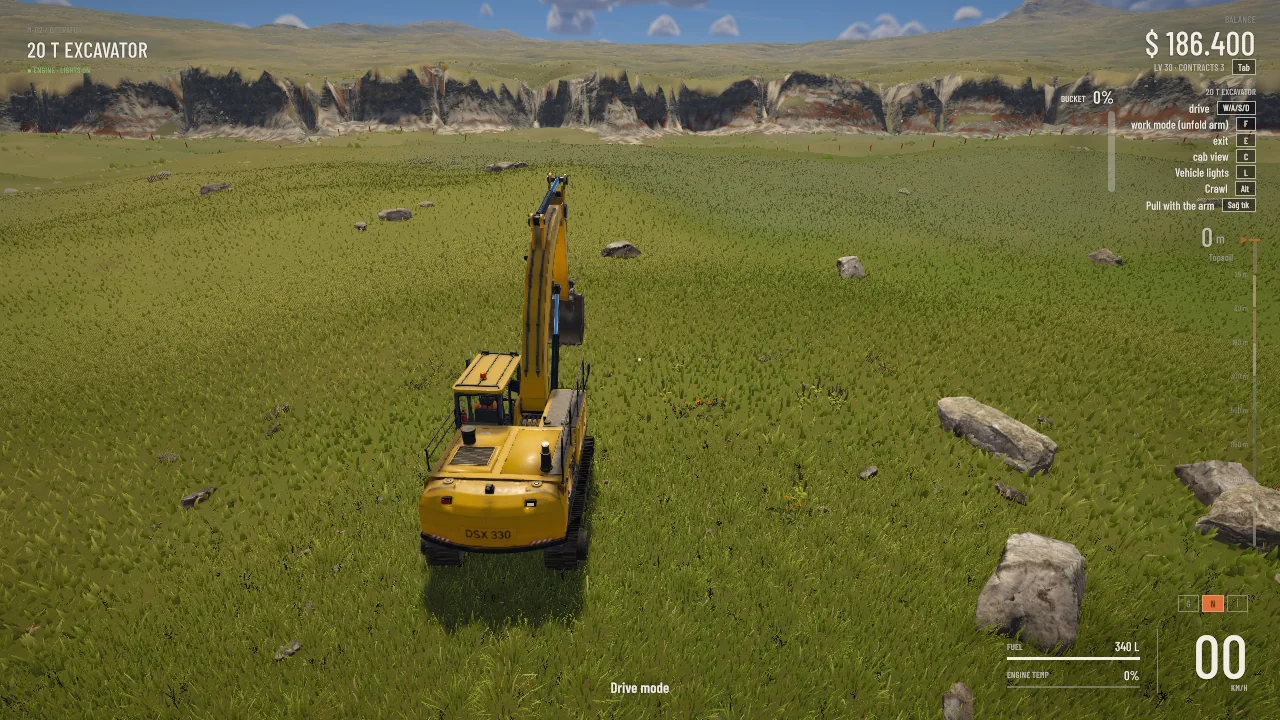
Climb into a machine with E and leave it with E again.
| Action | Key | Gamepad |
|---|---|---|
| Throttle / brake | W / S | Right / left trigger |
| Steer | A / D | Left stick |
| Get out | E | X |
| Tip the body / drop the load | Space | A |
| Parking brake | X | B |
| Differential lock (trucks) | K | D-pad down |
| Recover the machine (hold) | R | Y (hold) |
| Lights | L | D-pad up |
| Beacon light (underground trucks, pickup) | N | |
| Refuel | Y | D-pad left |
| Cab view or chase camera | C | LB |
| Switch seat (pickup) | V | RB |
| Push with the bucket (excavators) | Right mouse button | D-pad right |
| Vibration on / off (soil roller) | H | |
| Raise / lower the tail (roadheader) | J / Z | |
| Horn | Left stick click | |
| Camera distance | Right stick click |
Machines also have their own controls (the excavator digs with the left button, switches between working and driving with F, fits the breaker with B). They are listed on screen while you drive.
On the right side, under the money, a list shows the keys of the machine you sit in. If more rows exist, hold F1 to see them. A vertical bar to the left of that list shows how full the bucket or the truck body is.
Rails
In the battery loco, Space brakes, C uncouples the cars, O starts the automatic shuttle. Standing beside a car, F uncouples it.
Build mode
Press B to open the build catalog. The mouse is free. Click a card, press its number, or press Enter to pick it, and the catalog closes into placing mode.
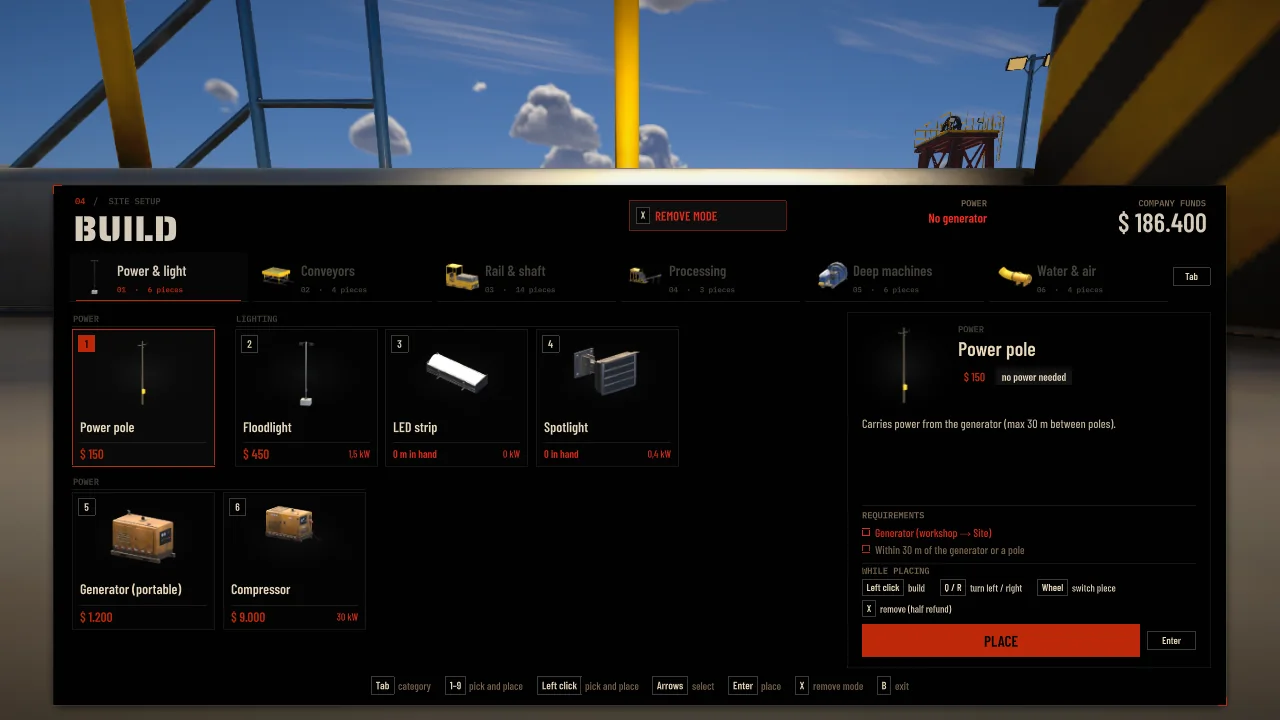
| Action | Key |
|---|---|
| Open the catalog / leave build mode | B or Esc |
| Place | Left mouse button |
| Rotate | R (and Q the other way) |
| Change the value (slope, length, piece) | Mouse wheel |
| Change page | Tab |
| Remove mode | X in the catalog, then left click on a piece to take it down |
| Cancel a drag | X |
| Pin a waypoint when dragging a belt or track | Right mouse button |
| Drop the last waypoint | Backspace |
| Undo the last belt or track (within 20 s) | Ctrl + Z |
Belts and rails are drag tools: hold the left button and drag, and the game lays the straight pieces, curves and slopes for you.
Gamepad
A gamepad works for everything above. In Settings, Controls you can pick the layout (Default, Southpaw, Alternate), the stick sensitivities and dead zones, rumble strength, and the button icons (Automatic, Xbox, PlayStation, Nintendo or Steam Deck). In the menus use the d-pad or left stick, A to accept and B to go back.
Rebinding keys
Open the pause menu with Esc, go to Settings, then the Controls tab and press Key bindings. The page lists every action with a keyboard column and a pad column. Select a cell and press the new key or button. Reset to default puts everything back.
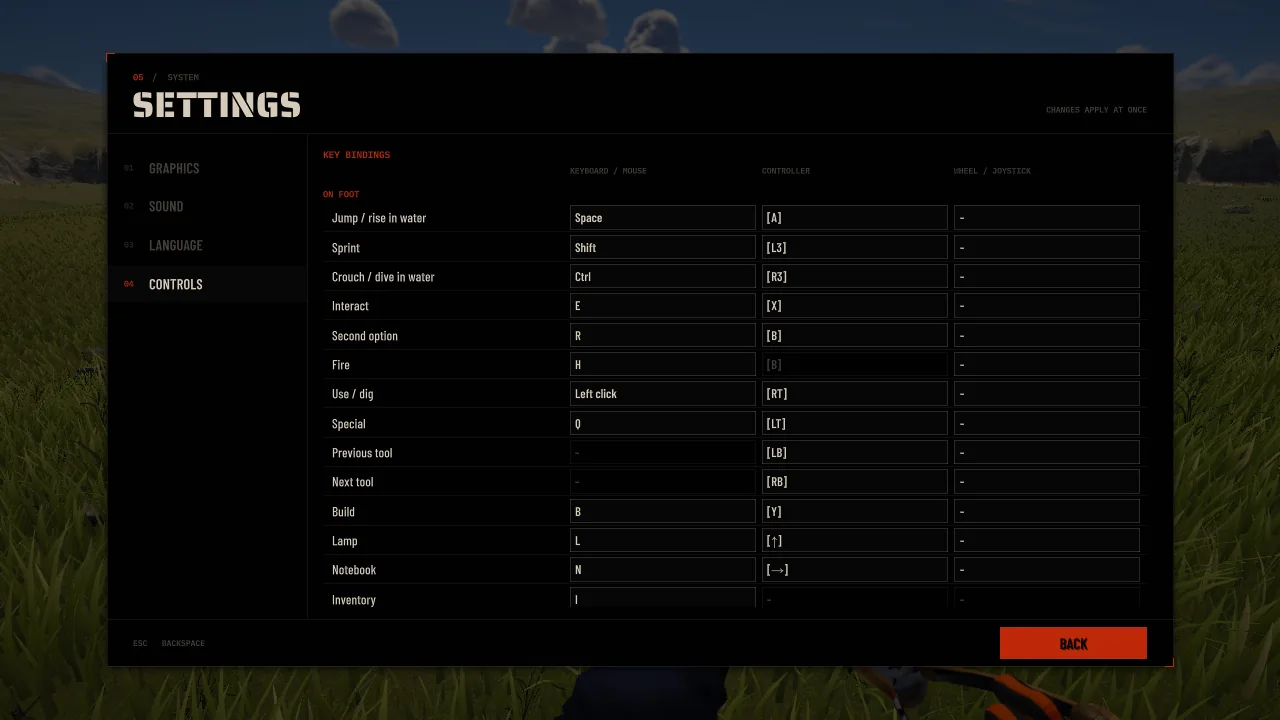
Two actions of the same group (for example two on-foot actions) cannot share a key. The movement keys, the number keys, Esc, T, F1 and F12 are fixed.
Hints and the HUD
- Key hints (Settings, Sound & controls): On shows the key prompt under the crosshair. In a machine the standing prompt fades after about five seconds and comes back when it changes or when you press F1. Short keeps only the names and states, without the "E: ..." parts. Off removes the prompt line. Refusals and toasts always show.
- Hide HUD (F2): hides everything except toasts. Press it again to bring it back. It does nothing while a window like the shop or inventory is open.
- Player names (same tab): show the name plates over other players always, only when you look at them, or never.
Tips
- Left click is both "dig" and "place" for the tools in your hand, so pick the tool first with a number key.
- If a key does nothing, look at the prompt under the crosshair. It names the key for the thing you are looking at.
- Use F2 when you want clean screenshots or video.